
Let me be straight with you upfront.
A lot of articles about Synthesia alternatives are written with ratings pulled from two years ago, pricing copied from old screenshots, and zero acknowledgment that some of these tools have serious real-world problems right now.
We didn’t do that here.
Before writing a single word, we researched current Trustpilot scores, cross-referenced G2 and Capterra reviews, checked 2026 pricing pages, and looked at what real users are actually complaining about. Some of the findings were genuinely surprising — including one tool with a 1.5/5 Trustpilot score that still gets recommended everywhere.
Here’s the honest picture.
Why Are People Looking for Synthesia Alternatives?
Synthesia is a solid tool — no question. But it’s not a perfect fit for everyone, and there are legitimate reasons people start shopping around:
- The pricing can feel steep for individual creators or small teams
- Avatar variety and gesture range still feel limited for some use cases
- Customization options don’t go as deep as some users need
- Customer support has been inconsistent for some users
The AI video market has grown fast. Tools that didn’t exist two years ago are now genuine competitors. Some are cheaper. Some have better avatars. Some serve entirely different use cases. The key is knowing which one actually fits your situation — not which one has the most polished landing page.
What to Actually Look for in a Synthesia Alternative
Before jumping in, here’s what separates a genuinely useful tool from one that looks great in a demo and frustrates you by week two:
- Honest pricing — no credits that evaporate overnight or surprise charges
- Usable free plan — not “free” with a five-second watermarked export
- Stable platform — consistent rendering speed, not a queue that takes 24 hours
- Real customer support — not just copy-paste email templates
- Avatar quality that matches your use case — corporate training needs are different from TikTok content
Keep these in mind as you go through the list.
9 Best Free Synthesia Alternatives in 2026
1. HeyGen — Best Avatar Quality, But Read This First
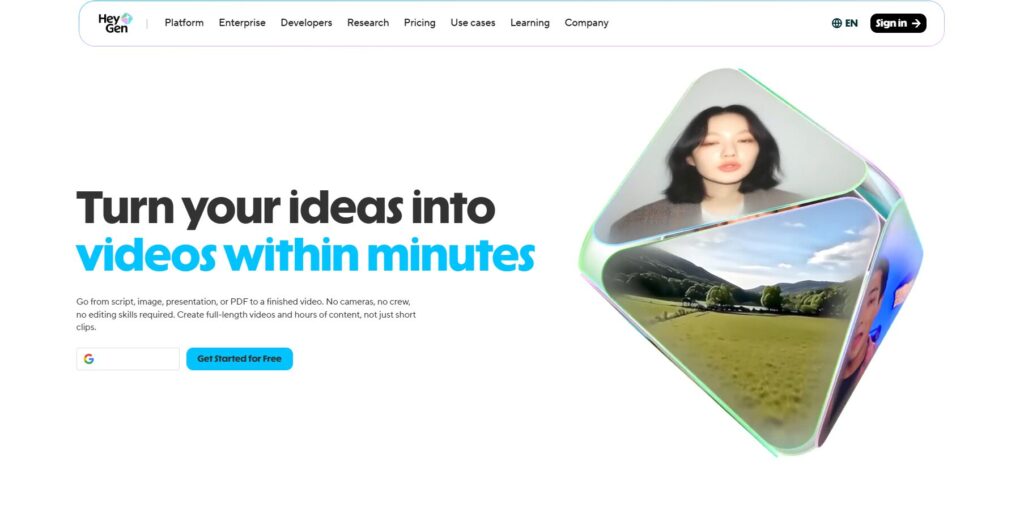
HeyGen still produces some of the most realistic AI avatar videos available. The lip-sync is tight, the 120+ avatars cover diverse ethnicities and age groups, and the voice cloning feature — where you record a short clip and HeyGen replicates your voice — is genuinely impressive.
But here’s what most articles won’t tell you in 2026: HeyGen’s review scores tell two completely different stories. On G2, it sits at 4.8/5 across 1,478 reviews. On Trustpilot, it’s a 2.4/5 from over 1,600 reviews. That gap exists for a specific reason.
Pricing complaints on Trustpilot concentrate around the credit system, hidden limits, and policy changes. Translation minutes shifted from unlimited to 120 per month without grandfathering existing users. Users report difficulty canceling subscriptions and resolving billing disputes. Bugs that consume credits without producing usable output are a recurring theme.
The product itself — when it works — is excellent. The problem is what happens when something goes wrong.
Key Features:
- 120+ AI avatars, 300+ voice options
- Voice cloning from a short audio sample
- TalkingPhoto for animating still images
- 175+ language support
- 300+ ready-made templates
Current Pricing (2026):
- Free: Limited trial credits
- Creator: $29/month — 200 Premium Credits, watermark-free exports
- Pro: $89/month — 2,000 Premium Credits, priority rendering
Real Ratings:
- G2: 4.8/5 (1,478 reviews) — verified business users, rates capabilities
- Trustpilot: 2.4/5 (1,600+ reviews) — captures billing surprises and support failures
- Capterra: 4.7/5
Honest Verdict: If avatar quality is your top priority and you’re testing the platform on a short free trial, HeyGen is worth exploring. If you’re committing to a paid annual plan, read the billing terms line by line before entering your card. Pay particular attention to how Premium Credits are consumed per feature — Avatar IV costs 20 credits per minute, meaning the Creator plan’s 200 credits covers exactly 10 minutes of footage.
Best for: Teams that need premium avatar quality and understand the credit system going in.
Read this new AI design tool : https://mockupgenerator.ai/blog/best-ai-design-tools/
2. InVideo AI — Best for Prompt-to-Video Production
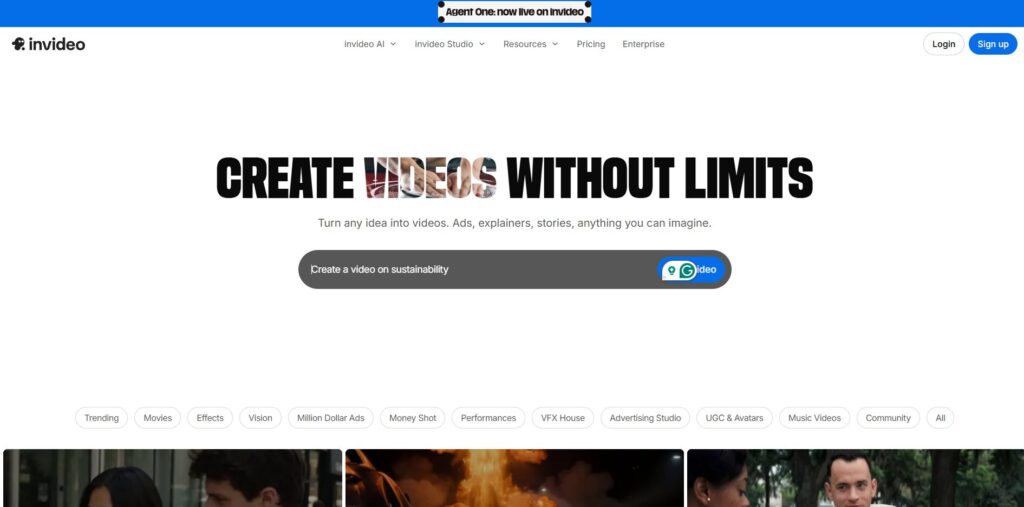
InVideo AI has made a significant leap in 2026. What used to be a solid template editor is now a genuine end-to-end video generation platform — and the headline addition changes the value calculation entirely.
InVideo is currently the only platform that bundles access to both OpenAI’s Sora 2 and Google’s VEO 3.1 within a single subscription. Sora 2 standalone via ChatGPT Pro costs $200/month, and VEO 3.1 Ultra runs around $250/month. InVideo packages both from $28/month. That’s genuinely hard to ignore.
The workflow is straightforward: describe your video, and InVideo generates a script, selects stock footage, records a voiceover, adds transitions and music, and delivers a draft. You refine from there. Generation time runs 3 to 5 minutes for short-form content, 10 to 20 minutes for longer videos.
The Trustpilot picture is mixed. InVideo has an average rating of 3.6 out of 5 based on 664 customer reviews across platforms, with several customers mentioning issues around false advertising. The credit system frustrates users who expected more output per dollar, and some report the AI editor consuming credits on failed renders with no refund.
Key Features:
- Sora 2 and VEO 3.1 integration (unique to InVideo in 2026)
- AI script, voiceover, footage, and editing from a single prompt
- 10,000+ templates
- Voice cloning (up to 5 voices on Max plan)
- 3M+ stock media library
Current Pricing (2026):
- Free: 10 AI generation minutes per week
- Plus: $28/month — includes Sora 2 and VEO 3.1 access
- Max: $50–60/month — more generation minutes, 5 voice clones
Real Ratings:
- Trustpilot: ~3.5/5 (700+ reviews)
- G2: Mixed — praised for ease, criticized for credit consumption on errors
Honest Verdict: Treat it as a rapid-drafting engine, not a finished-product machine, and you’ll get serious value from it. The AI scripts can feel formulaic, and about one in four editing commands needs a retry. But for the price, the model access alone is remarkable.
Best for: Content creators who produce social media videos regularly and want the most advanced generative AI models without a $200+/month price tag.
Read this: Top AI Mockup Tools In 2026
3. DeepBrain AI (AI Studios) — Best for Hyper-Realistic Corporate Avatars
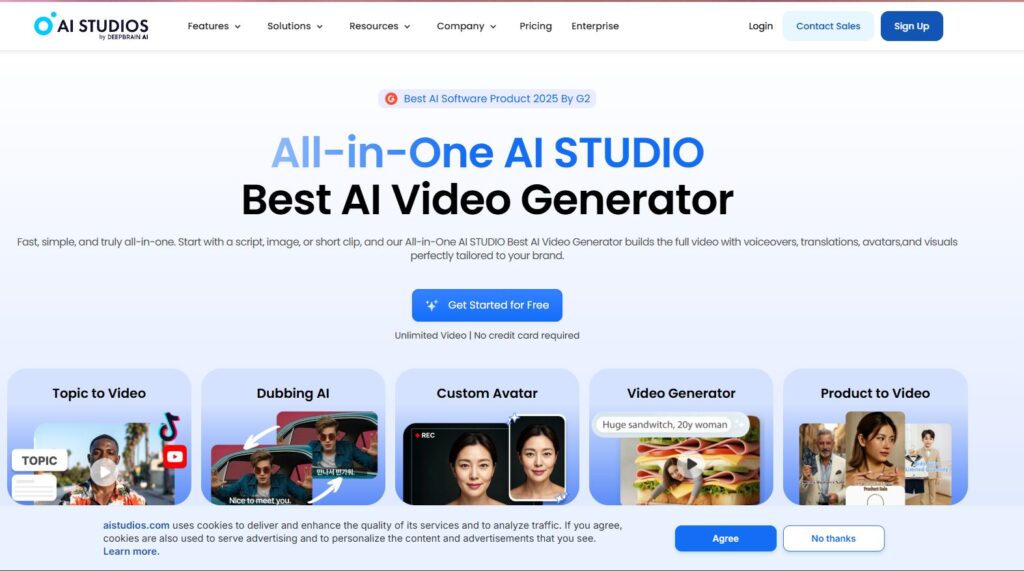
DeepBrain AI — now rebranded as AI Studios — is built with one audience in mind: professionals who need realistic, presenter-style videos without a camera or studio. Employee onboarding, product walkthroughs, internal communications — this is where it thrives.
The avatars here are built from recordings of real human actors, which gives them a naturalism that purely AI-generated avatars often lack. The ChatGPT script integration is a real time-saver — paste your topic and get a usable script before you’ve opened the editor.
G2 shows a 4.8/5 score with strong community feedback, and Product Hunt shows 4.9/5 — a solid indicator that the core product delivers for the right use case.
One thing to note: DeepBrain is not a beginner-friendly social media tool. It’s a corporate video production platform, and the pricing reflects that.
Key Features:
- 100+ AI avatars based on real actors
- 80+ language support
- ChatGPT-powered script generation
- Ready-made templates for business use cases
- No watermark on trial video
Current Pricing (2026):
- Free trial: 1-minute video
- Starter: $24/month — 10-minute videos per month
- Pro: $180/month — 90-minute videos
Real Ratings:
- G2: 4.8/5
- Product Hunt: 4.9/5
Honest Verdict: If you’re building training content or corporate communications at scale, DeepBrain AI delivers quality that justifies the price. If you’re a solo creator looking for a free or low-cost tool to make YouTube videos, look elsewhere — the pricing doesn’t fit.
Best for: HR teams, L&D professionals, and enterprises producing training or internal video content consistently.
4. Colossyan — Best for Workplace Learning Teams
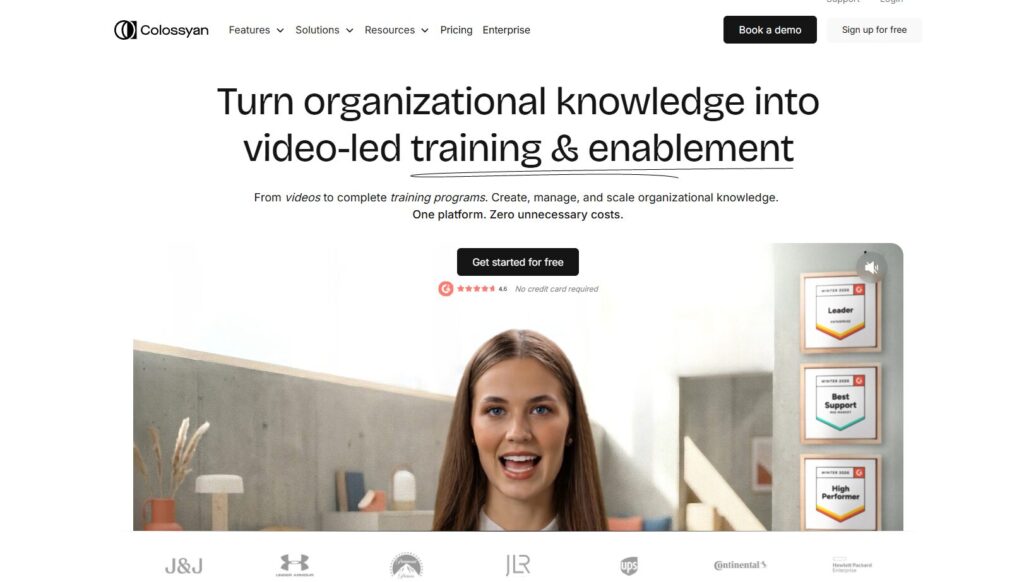
Colossyan occupies a specific niche — workplace learning — and it owns it more thoroughly than any other tool on this list.
The editor feels familiar if you’ve used PowerPoint. You add slides, select an avatar, paste your script, and the platform handles production. What makes Colossyan stand out is the depth of avatar customization: you can fine-tune emotion, tone, accent, and expression at a granularity that most competitors simply don’t offer.
With AI avatars, document-to-video conversion, SCORM export, and interactive branching, Colossyan helps teams create professional videos at scale without editing required. The SCORM export alone makes it the obvious choice for any team running a Learning Management System.
Colossyan is an AI video platform focused on avatar-based training videos, starting at $19 to $27 per month. There is no permanent free plan, which is a real downside if you want to evaluate it deeply before paying.
Key Features:
- 200+ AI avatars with emotion and expression control
- PDF and document-to-video conversion
- SCORM export for LMS integration
- Interactive branching and quizzes in videos
- 70+ language translation
- Collaboration tools with comments and shared projects
Current Pricing (2026):
- No free plan (trial available)
- Starter: $19/month
- Pro: $27/month (estimated — verify current pricing)
- Enterprise: Custom
Real Ratings:
- G2: 4.6/5 (385 reviews)
Honest Verdict: For L&D teams, Colossyan is the most complete tool on this list. If your team creates training content, compliance videos, or onboarding modules, the feature depth justifies the absence of a free plan. For everyone else, there are better-value options below.
Best for: Learning and development teams, HR professionals, corporate trainers, and any organization using an LMS.
5. Veed.io — Best All-in-One Browser Editor
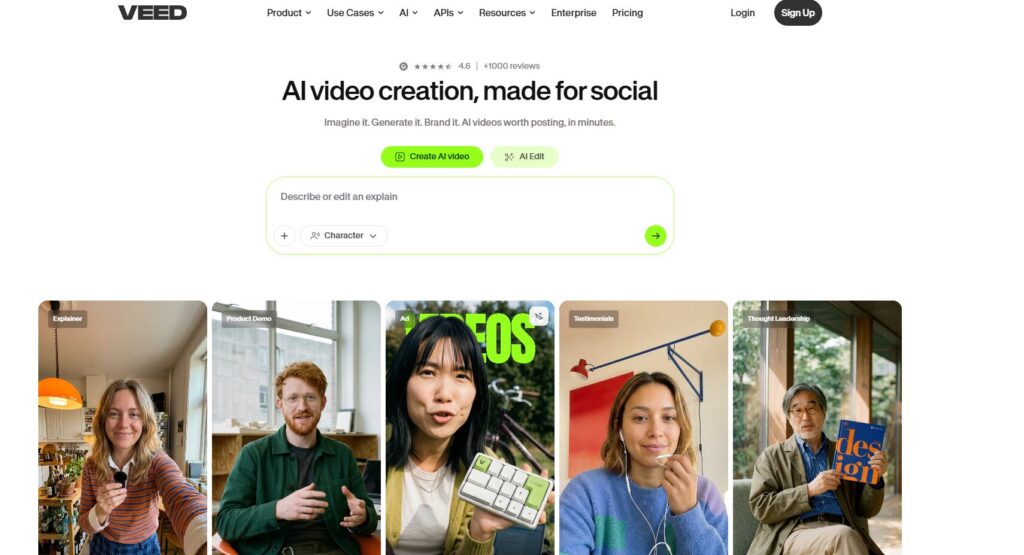
Veed.io takes a different approach from avatar-first tools. Rather than leading with synthetic presenters, it leads with a clean, polished video editor that has AI features layered on naturally. The result feels less like an AI tool and more like a genuinely modern video editor.
Veed is based in London, backed by $35M from Sequoia Capital, with a Trustpilot rating of 4.6/5 from 3,000+ reviews and a G2 rating of 4.6/5. It’s used by major companies including P&G, Pinterest, and Visa.
That Trustpilot score — 4.6 from over 3,500 reviews — is the healthiest rating on this entire list. It’s not a perfect platform (some users report bugs with complex projects and customer support gaps), but the breadth of positive feedback across a large review sample is genuinely reassuring.
The AI Copilot, eye contact correction, background removal, and auto-subtitles in 70+ languages all work well in practice. It’s browser-based, which means no software installs and full cross-device access.
Key Features:
- AI auto-subtitles in 70+ languages
- Eye contact correction (AI-powered)
- Background removal for video and images
- Magic Cut for automatic silence removal
- Brand Kit for consistent styling
- Screen recording built-in
- Text-to-speech
Current Pricing (2026):
- Free plan available (no credit card required)
- Paid plans start at $12/month
- Pro and Business tiers available
Real Ratings:
- Trustpilot: 4.6/5 (3,528 reviews) ✅ Most reliable score on this list
- G2: 4.6/5 (1,500+ reviews)
- Capterra: 4.6/5
Honest Verdict: Veed is the safest choice on this list for most people. The ratings are consistent across platforms, the free plan is genuinely usable, and the toolset covers most content creation needs without requiring a steep learning curve.
Best for: Marketing teams, content creators, podcasters, social media managers, and anyone who needs a dependable everyday video editor.
6. FlexClip — Best Value for Beginners in 2026
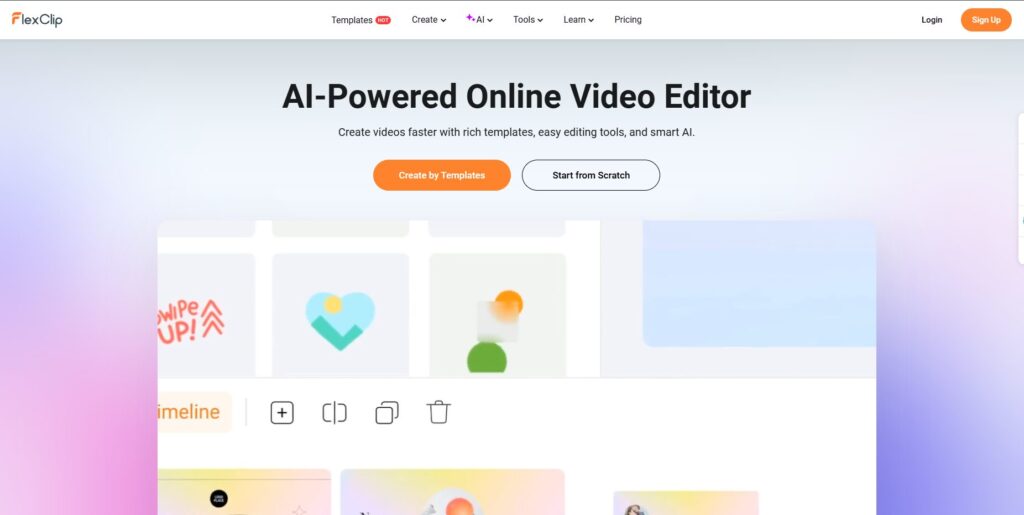
FlexClip quietly became a much stronger product in late 2025 and 2026. The core interface was always beginner-friendly, but the AI upgrades — particularly the AI Recreate feature and new generative video integrations — pushed it into genuinely competitive territory.
FlexClip in 2026 now integrates Google Veo 3, Kling AI, and Hailuo AI directly into its editor, meaning you can generate AI video clips and drop them into your storyboard without leaving the tool. That’s a significant addition that wasn’t there even 12 months ago.
Across G2, Capterra, Trustpilot, and SoftwareAdvice, FlexClip maintains 4.4 to 4.7 out of 5 stars as of early 2026. The consistent ratings across platforms suggest a tool that genuinely does what it promises. The main consistent complaint is that the free version has real limitations and the advanced features require a paid plan — which is honest, if a little frustrating.
Key Features:
- Text-to-video generator with AI scene selection
- AI Recreate feature — regenerate scenes with different visual styles
- Google Veo 3, Kling AI, and Hailuo AI integration
- Text-based editor (edit video by editing a transcript)
- Canvas zoom for precise placement
- 6,000+ templates
- Built-in image generator
Current Pricing (2026):
- Free: Limited exports, watermark
- Paid plans from $11.99/month (Basic) to $29.99/month (Business)
Real Ratings:
- G2: 4.4–4.7/5
- Capterra: 4.7/5
- Trustpilot: 4.4/5
Honest Verdict: For beginners and small business owners who don’t need AI avatars, FlexClip delivers excellent value in 2026. The generative AI integrations make it far more capable than it looks on the surface. If you want a tool you can actually use from day one without a learning curve, this is it.
Best for: Small business owners, bloggers, and first-time video creators who want a powerful but accessible tool.
7. Lumen5 — Best for Repurposing Written Content
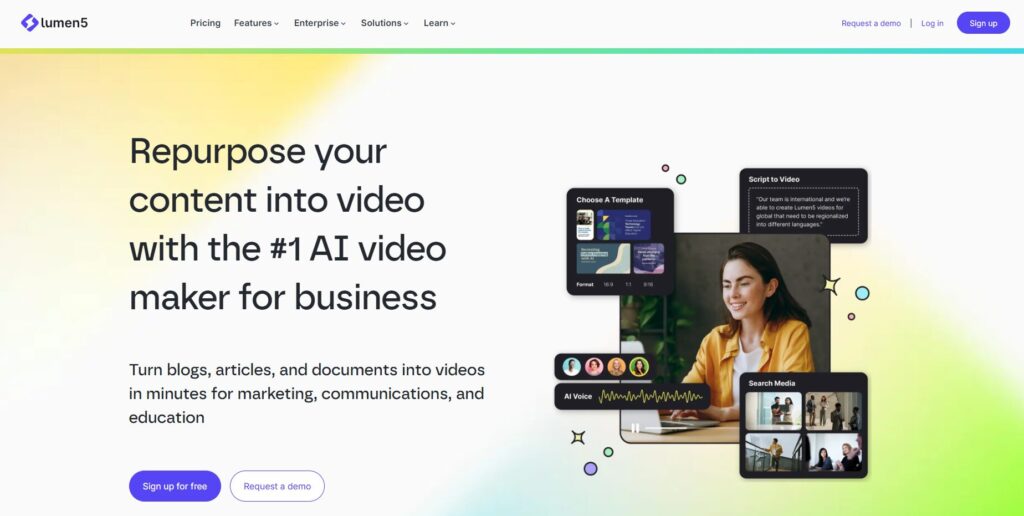
Lumen5 has been doing one thing for years, and it does it better than anyone: turning written content into watchable video.
Paste a blog post URL or drop in text, and Lumen5 identifies the key points, matches them with stock footage, and builds a draft. There are no avatars, no complex timelines, no AI voiceover cloning. Just a focused tool for content repurposing at speed.
The music library is solid, the templates are well-designed for brand consistency, and the free plan is genuinely unlimited — just watermarked. For a content team publishing five branded clips per week, the workflow is significantly faster than alternatives that require more manual setup.
Lumen5 replaces VEED only for template-driven social content. If that is 80% of your output, the switch saves time. If you also need custom editing, avatar-led content, or translation, Lumen5 will need a companion tool.
That’s an honest summary of the trade-off. Lumen5 is not trying to be everything — and that focus is its strength.
Key Features:
- Blog-to-video via URL or text paste
- AI scene and footage matching
- Curated royalty-free music library
- Brand-consistent templates
- No video editing experience required
Current Pricing (2026):
- Free Forever: Unlimited watermarked videos
- Basic: $19/month — no watermark
- Starter: $59/month — premium stock assets
- Professional: $149/month — custom branding, millions of assets
Real Ratings:
- G2: 4.5/5
- Capterra: 4.6/5
Honest Verdict: If you run a blog, newsletter, or content marketing operation, Lumen5 will save your team real hours every week. If you need avatars, translations, or advanced editing, you’ll need something else alongside it.
Best for: Content marketers, SEO teams, bloggers, and social media managers repurposing written content at volume.
8. D-ID — Proceed With Caution
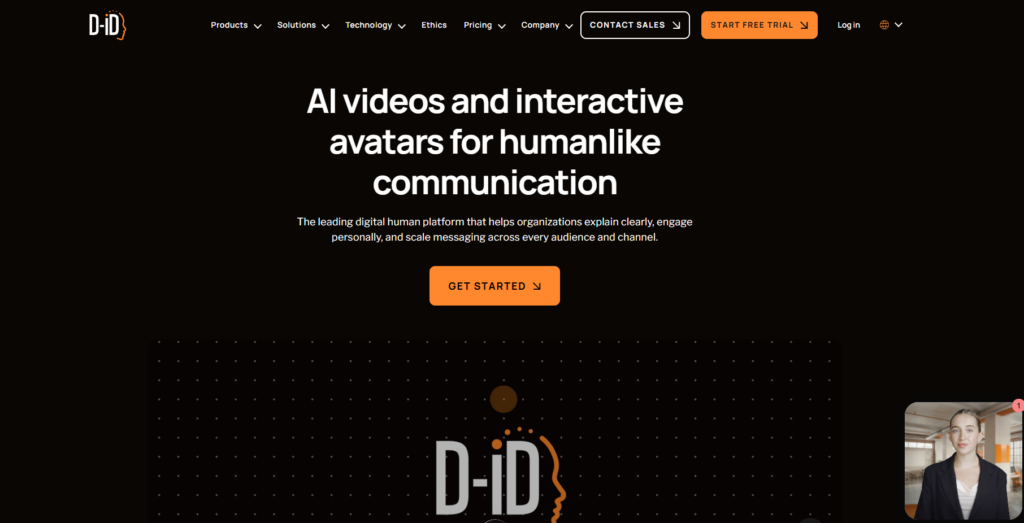
D-ID does something genuinely interesting: upload any photo, add audio or a script, and the platform animates it with realistic lip-sync and facial movement. The technology is real and it works impressively well when it functions correctly.
But the current consumer reputation demands honesty.
D-ID’s Trustpilot rating sits at 1.5/5 across 27 reviews. Recurring complaints involve auto-renewal billing, refund refusals citing a 15-page customer agreement, failed video generations, and lip-sync issues. The company also went through significant structural changes, with a 25% staff reduction in 2025.
Commercial usage rights and the PowerPoint plug-in are locked to the Advanced plan at $299/month. Cheaper tiers cannot legally power paid marketing. That’s a significant detail if you’re planning to use it for commercial content.
The G2 rating (4.0/5) is more positive and reflects business users with enterprise contracts, who report better experiences. The Trustpilot score reflects self-serve customers using the Studio product, who experience a very different reality.
Key Features:
- Photo-to-talking avatar with realistic lip-sync
- AI voice generation plus audio upload
- API for developer workflow integration
- Real-time interactive avatar capability
- Social sharing tools
Current Pricing (2026):
- Free trial: 20 credits
- Lite: $5.99/month
- Pro: $49/month
- Advanced: $299/month (commercial rights included)
Real Ratings:
- Trustpilot: 1.5/5 (27 reviews) ⚠️
- G2: 4.0/5
Honest Verdict: The technology is genuinely impressive. But the billing complaints, refund policy issues, and commercial rights restrictions make it a hard recommendation at this point. If you’re a developer building a conversational AI product and need D-ID’s API, proceed cautiously with a clear exit strategy. For general content creation, the other tools on this list are more reliable choices.
Best for: Developers building interactive AI agents, or enterprise teams with direct contracts. Not recommended for solo creators or small businesses on self-serve plans.
9. Kapwing — Best for Small Team Collaboration
Kapwing’s core strength has always been collaboration. Multiple team members can work on the same video in real-time, comment, and hand off projects — which is a genuinely valuable capability for marketing teams and agencies.
The feature set is solid for browser-based editing. Auto-subtitles work well across 70+ languages. Smart Cut removes silences automatically. The AI background remover handles most footage cleanly. And the interface requires almost no learning curve — you can be editing within minutes of creating an account.
For solo creators who need browser-based video editing with good auto-subtitles, Kapwing Pro at $16/month annually is reasonable for one person. For teams, per-member pricing makes it expensive fast.
The Trustpilot picture is concerning in places — several users report billing issues and credit charges for failed renders. The free plan’s limitations are also more restrictive than advertised by some users.
Key Features:
- Real-time collaborative editing
- Auto-subtitles in 70+ languages with strong accuracy
- Smart Cut for automatic silence removal
- Clean Audio for background noise reduction
- AI background removal
- Text-to-video generation
- Browser-based — no downloads required
Current Pricing (2026):
- Free: Watermarked exports, 2 AI generations
- Pro: $16/month per member (annual) — no watermark, 4K export
- Business: $50/month per member
- Enterprise: Custom
Real Ratings:
- G2: 4.4/5
- Capterra: 4.4/5
- Trustpilot: Mixed — significant complaints about billing and platform stability
Honest Verdict: If your team of 2–3 people collaborates on social video regularly and per-member pricing fits your budget, Kapwing is a genuinely good tool. If you’re a solo creator, Veed.io offers comparable features with a healthier track record at a similar price point.
Best for: Small marketing teams and agencies where collaboration on video content is a daily workflow.
Honest Comparison Table: 9 Synthesia Alternatives (2026 Data)
| Tool | Trustpilot | G2 | Starting Price | Free Plan | Best For |
|---|---|---|---|---|---|
| HeyGen | ⚠️ 2.4/5 | ✅ 4.8/5 | $29/mo | Trial only | Avatar quality |
| InVideo AI | 3.5/5 | Mixed | $28/mo | ✅ 10 min/week | Prompt-to-video |
| DeepBrain AI | N/A | ✅ 4.8/5 | $24/mo | Trial (1 min) | Corporate video |
| Colossyan | N/A | ✅ 4.6/5 | $19/mo | ❌ | L&D teams |
| Veed.io | ✅ 4.6/5 | ✅ 4.6/5 | $12/mo | ✅ | All-round editing |
| FlexClip | ✅ 4.4/5 | ✅ 4.4/5 | $11.99/mo | ✅ (watermark) | Beginners |
| Lumen5 | N/A | ✅ 4.5/5 | $19/mo | ✅ unlimited | Blog repurposing |
| D-ID | ⚠️ 1.5/5 | 4.0/5 | $5.99/mo | Trial (20 credits) | Developers/API |
| Kapwing | Mixed | 4.4/5 | $16/mo/user | ✅ (watermark) | Team collab |
The Honest Verdict: Which One Should You Pick?
After all the research, here’s the clearest way to cut through it:
If you want the safest, most reliable tool: Veed.io. The 4.6/5 Trustpilot score from over 3,500 people is the most credible signal on this list. It works, the free plan is real, and the AI features are practical.
If avatar quality is non-negotiable: HeyGen — but go in knowing the credit system and billing terms inside out before paying. The technology is genuinely best-in-class when it works.
If you produce content for a learning management system: Colossyan is built exactly for you, full stop.
If you’re a beginner with a small budget: FlexClip. The ratings are consistent, the pricing is fair, and the 2026 AI additions make it more capable than its price suggests.
If you repurpose blog content: Lumen5. There’s no competition for this specific use case.
If you want cutting-edge AI video models at a fair price: InVideo AI, specifically because of the Sora 2 and VEO 3.1 access. Just manage credit expectations.
If you’re a developer building an interactive AI product: D-ID has the best API in this space, but enter with eyes open on the reputation issues.
One tool to actively avoid recommending without heavy caveats: D-ID for self-serve consumer use. A 1.5/5 Trustpilot score isn’t a coincidence.
FAQs
What is the best free Synthesia alternative in 2026?
Veed.io offers the most usable free plan with a strong track record across review platforms. Lumen5 also offers unlimited free videos (watermarked). FlexClip’s free tier is solid for beginners.
Which Synthesia alternative has the most realistic avatars?
HeyGen’s Avatar IV produces the most realistic output, but it consumes credits quickly. DeepBrain AI’s avatars — built from real actors — are also excellent for corporate video use cases.
Is HeyGen still worth using in 2026?
The avatar technology is still impressive. But the 2.4/5 Trustpilot score from 1,600+ users reflects real patterns around billing, credit deduction, and support response. If you use it, start with the free trial and read the terms on credit consumption before upgrading.
Which tool is best for team video production?
Kapwing has the strongest real-time collaboration features, though per-member pricing adds up for larger teams. Veed.io’s Spaces feature is also worth exploring for team environments.
Are any of these tools actually free without watermarks?
HeyGen and DeepBrain AI offer short watermark-free trial videos. Most tools require a paid plan for clean exports. Lumen5 is the exception — unlimited free videos, watermarked.